


People spend a large part of their day on their smartphones. For businesses, that means apps have to offer an experience that keeps users engaged - and the most prominent factor is performance. Here is how to make your app feel fast.
Key takeaways
- Performance is the sum of server speed, loading times, connectivity and latency.
- A CDN brings data closer to users worldwide.
- Optimised media files and smart caching cut waiting times on slow connections.
- Profiling shows where the real bottlenecks are.
- Smaller API payloads make every request faster.
Want to learn more?
In a free strategy call we answer your questions about cost, technology and process.
Book a callWhat users experience as performance
What users call performance is the result of several backend factors working together: server speed, loading times, connectivity and latency. A high-performance app means improving everything that affects its speed. These five techniques make the biggest difference.
1. Use a content delivery network
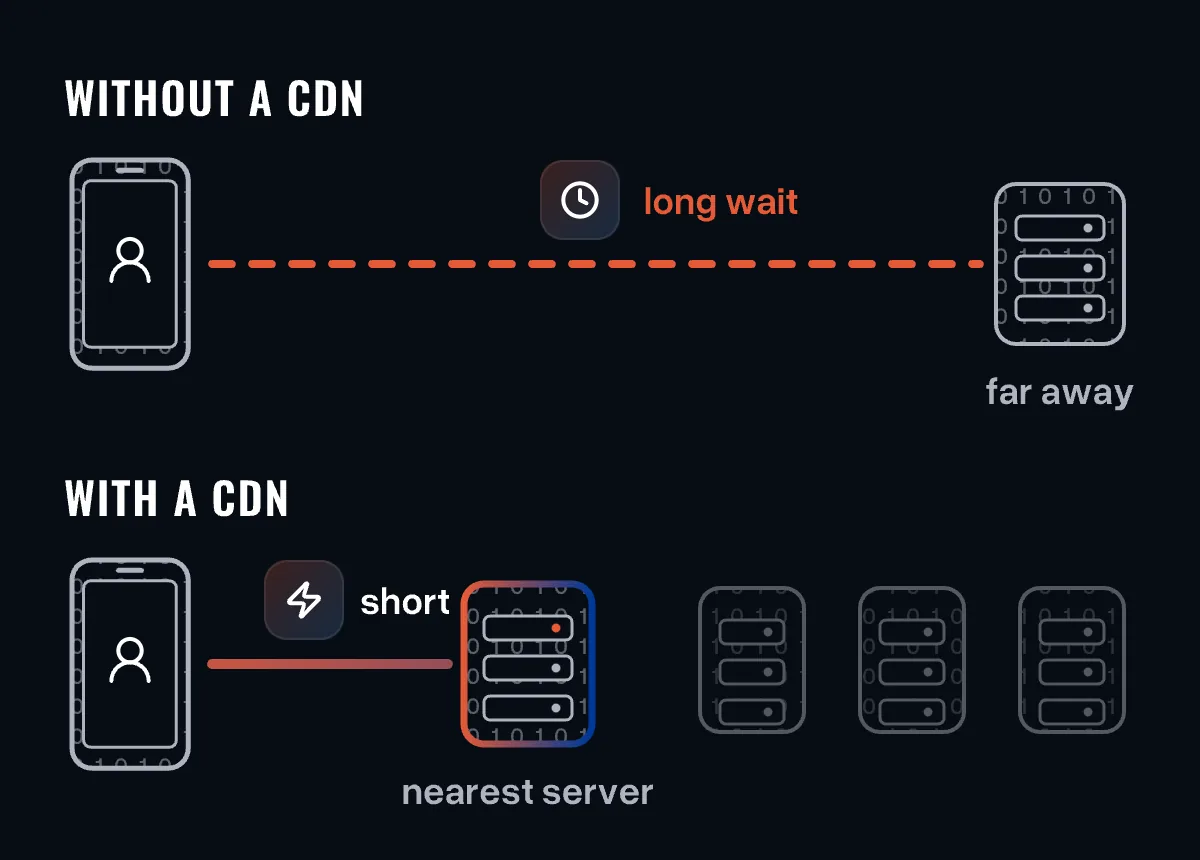
Every time your app exchanges data with its server, users experience some latency. The farther the server is from the user, the higher it gets. The obvious fix is to host closer to your users - but what if they are spread across the world?
A content delivery network (CDN) replicates your app's data across locations worldwide. Each request goes to the nearest server and returns faster. Providers include Cloudflare, Akamai, Amazon CloudFront and Microsoft Azure CDN. Choose one that fits your needs.
2. Optimise media files
Many users are still on slow or unstable mobile connections. When your app has to load high-resolution images or HD videos over such a connection, users wait - sometimes seconds, sometimes longer.
For the user, that feels like an app problem, not a network problem. The solution comes from the web: optimise images and videos so they load quickly even on patchy connections. There are many ways to optimise images and videos; test which works best for your app.
3. Cache what you can
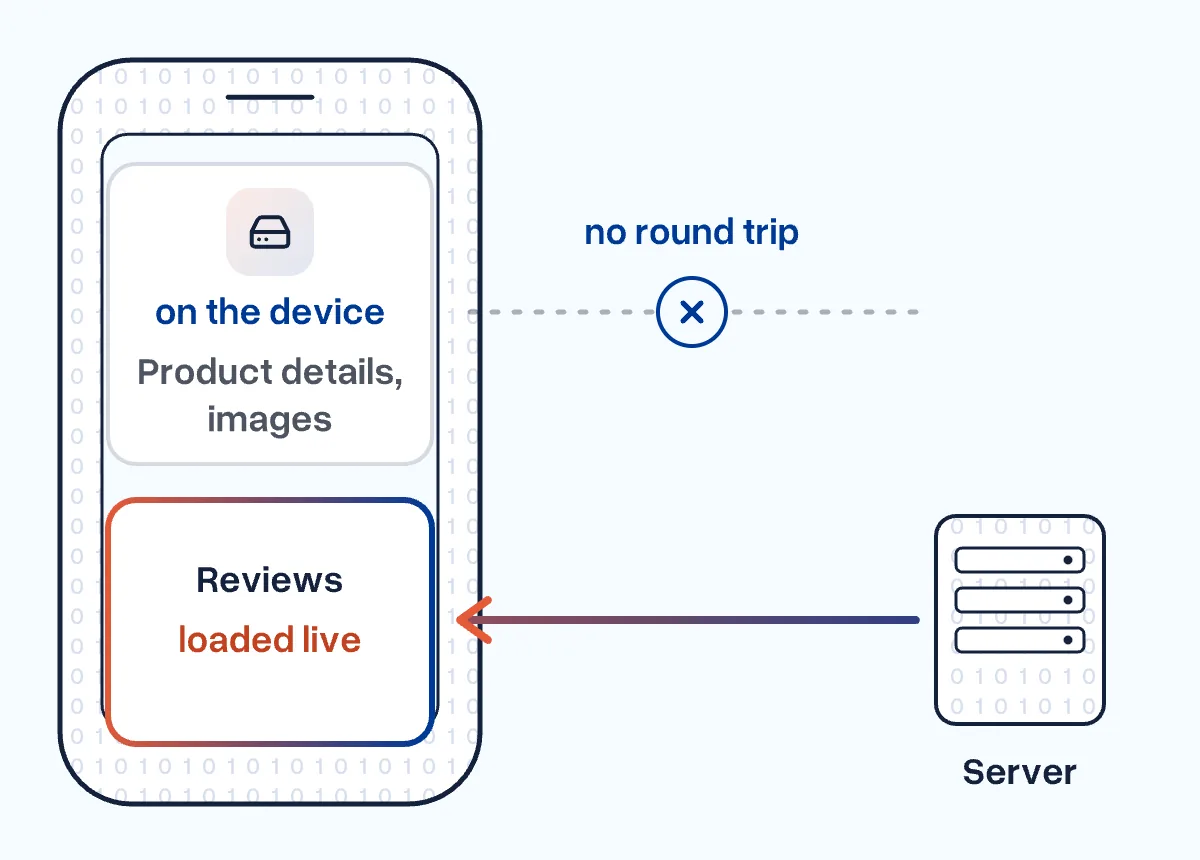
Caching brings data even closer than a CDN: frequently used elements are stored on the device and reused, which removes slow round trips to the server. Networking and image-loading libraries can cache many elements and reload them when the cached data is outdated.
Not everything should be cached. The product details of a shopping app, for example, rarely change and can be cached. The review section may change often and needs live data. Decide which parts of your app can be cached and optimise those.
4. Profile your app
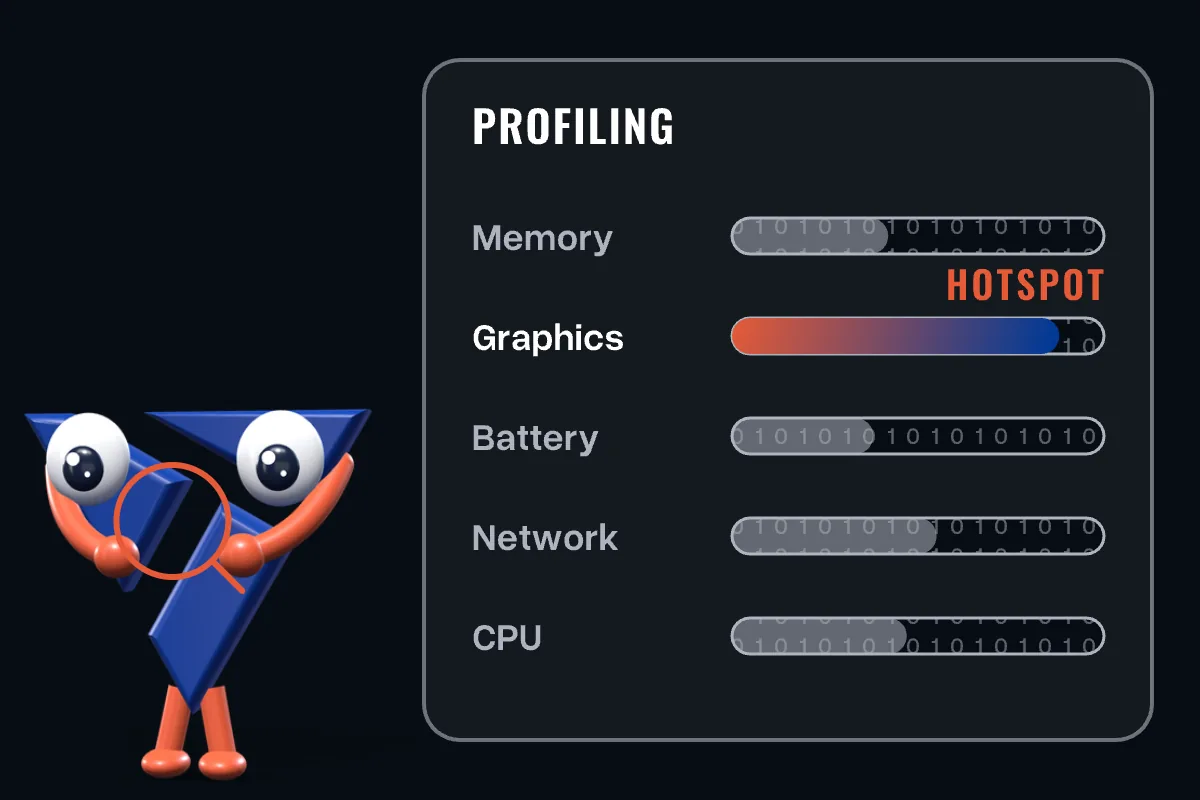
Profiling is the first step of optimisation once the app is built. It shows whether your app uses memory, graphics, battery, network and CPU efficiently.
A good profiling tool points you to the hotspots: the processes that consume the most resources or take the longest. Focus on those. Front-end issues are usually easier to find and fix; server-side elements take more time and effort.
5. Speed up API responses
Your app probably pulls a lot of data from the server through APIs. A CDN helps, but plenty of data still travels back and forth. So reduce the size of requests and responses: compact binary formats such as Protocol Buffers instead of JSON can make them much smaller, which means a faster, smoother experience.
Prioritise, then combine
There are hundreds of ways to improve performance, and they do not all deliver the same gains. Prioritise the areas that bring the most noticeable improvement. Often you will combine techniques: optimise media files and cache them on the device, or cache API responses and refresh them based on clear rules.
Create an optimisation plan that uses your team's time, effort and budget where it has the biggest impact. Need support optimising your app? Get in touch.