



Users expect a high-quality experience from mobile apps. If you do not deliver it, they switch to a competitor - and many tell others about it. User experience shapes how people see your brand and whether they stay loyal. Here is how to get it right.
Key takeaways
- Start with user research - good UX depends on the user group.
- Test UX before launch and after every change; five users already uncover most problems.
- Monitor behaviour and collect feedback, because most unhappy users leave silently.
- Use native features and UI elements to offer what a website cannot.
- Personalise, animate with restraint and keep user input to a minimum.
Want to learn more?
In a free strategy call we answer your questions about cost, technology and process.
Book a callWhat makes a great user experience?
For most users, a fast, smooth, intuitive, error-free and consistent app adds up to an outstanding UX. The details - loading speed, animations and so on - differ between user groups. That is why a solid understanding of user needs comes first. Always start app development with user research.
Beyond that, these ten measures make the biggest difference:
1. Run UX tests
UX testing is affordable and can change your app's future. According to Jakob Nielsen (2000), testing with just five users uncovers about 85% of usability problems. Test before you roll out the app, and test again every time you change the UX. Bad UX is expensive, so testing belongs in every development and update cycle.
2. Monitor usage behaviour
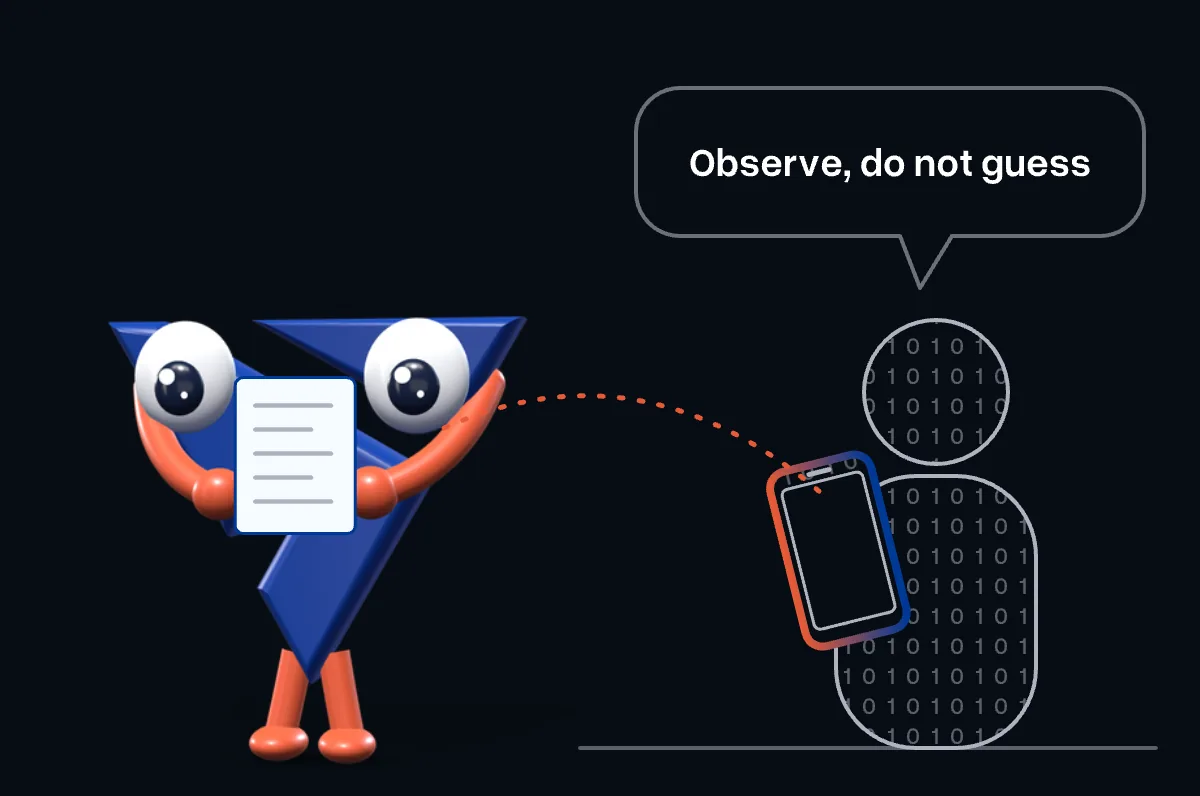
Track key user actions to understand how people use your app, which tasks take longer than they should and where users drop off. That way you spot UX issues as they appear, even before anyone reports them - which matters, because most users do not report problems. They just move to a competitor.
3. Update regularly
No app is ever 100% error-free, but you can drastically reduce errors. Even after thorough QA, issues surface from time to time. Be ready to fix them quickly. Regular maintenance keeps your app current, stable and performing at its best.
4. Use native device features
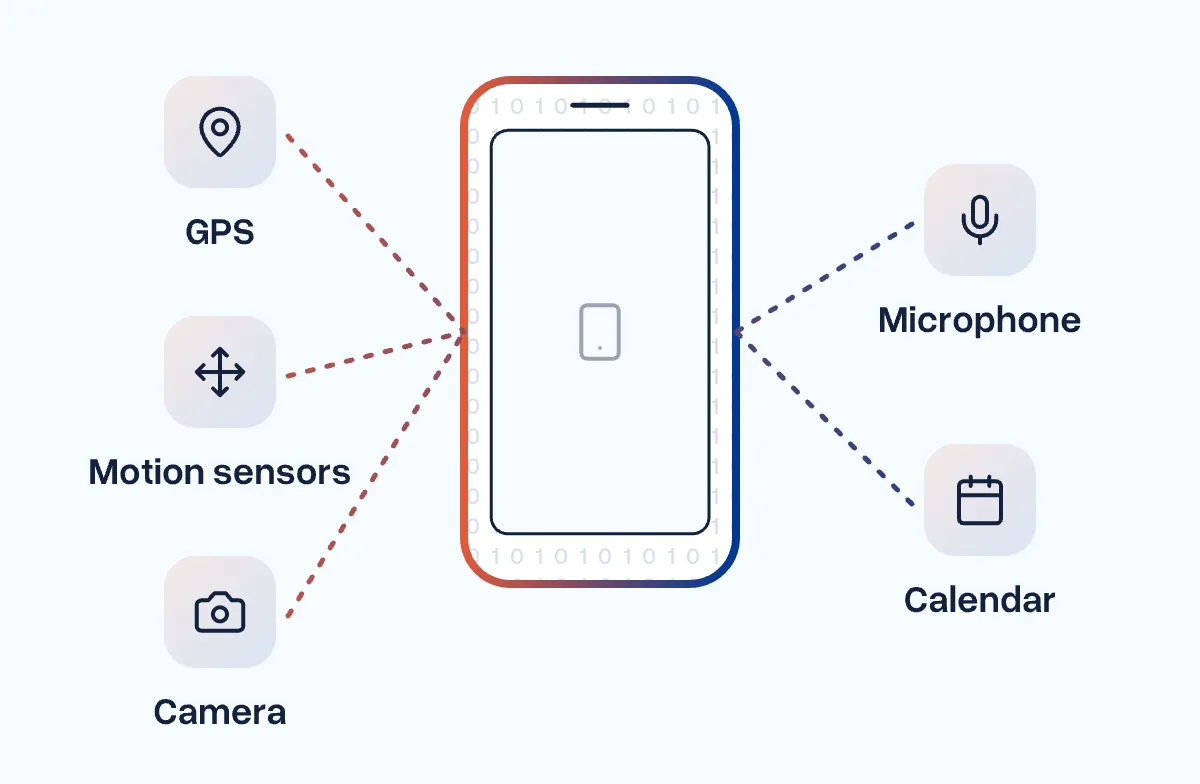
Ask yourself: why should customers use your app instead of your website? If the app offers the same as the site, it has no reason to take up space on the phone. Use device functions - GPS, motion sensors, camera, microphone, calendar - to offer value the website cannot. Fitness apps, for example, track workouts in real time, something a website cannot do.
5. Use native UI elements
The easier your app is to use, the more loyal your users become. Native UI elements help: users already know them from their phone. They do not have to learn new gestures, buttons or icons, and the app feels intuitive from the first tap.
6. Collect user feedback
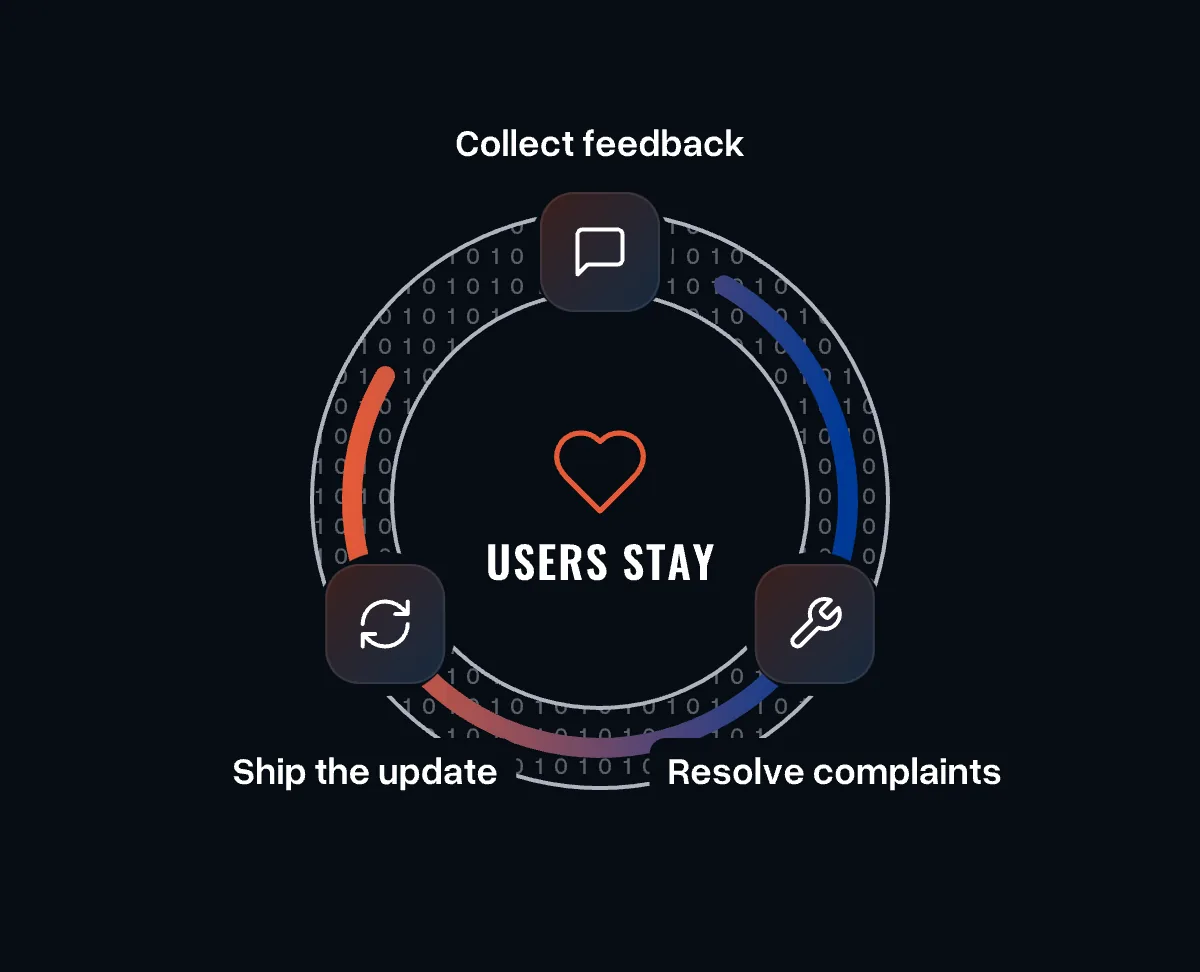
Most dissatisfied users never complain - they simply leave. The few who are really annoyed take it to app store reviews, social media or friends. Make it easy for users to tell you first.
Easy access to feedback, quick resolution of complaints and bug fixes delivered in regular updates go a long way in winning back dissatisfied users - and they improve the app for everyone.
7. Personalise the experience
Wherever possible, personalise screens with relevant data, suggestions and content. The more people use your app, the more relevant it should become. If it fits, let users adjust the UI to their preferences. Personalisation builds habits and loyalty, and brings users back every day.
8. Keep investing in UX
What users consider a great experience keeps changing. Good UX from a year ago may barely satisfy the same users today. iOS and Android release new versions every year, and widely used apps keep raising expectations. Follow the trends in mobile UX and keep your app up to date.
9. Animate transitions
Well-designed animations make transitions between screens and in-app actions feel seamless. Do not overdo it: animations should follow user actions, never precede them, or they feel gimmicky.
10. Limit user input
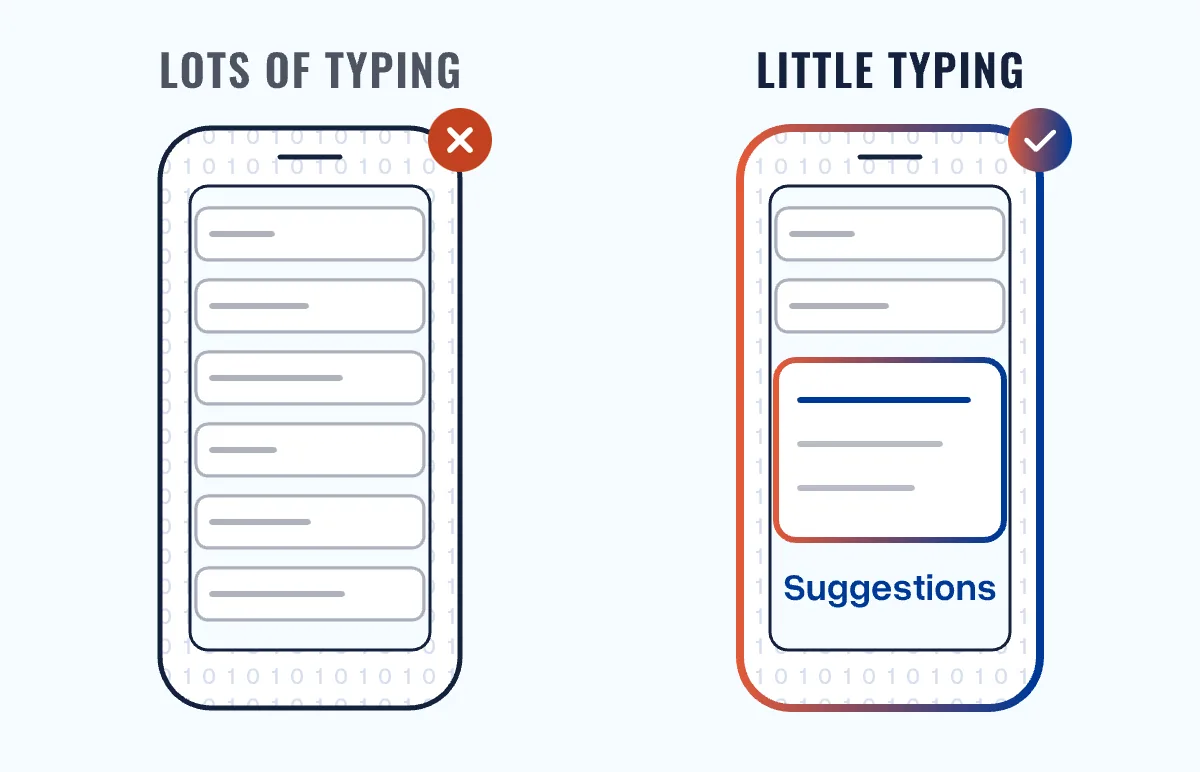
The more complicated your app, the more users you lose. Typing a lot on a small screen is frustrating. Keep input fields to the essentials and use autocomplete, text suggestions, drop-down menus and spell-check to reduce effort. Less effort means a more satisfying experience.
Keep it simple
A satisfying app experience does not require a huge budget. It takes a deep understanding of your users and the right technology choices. Keep the design simple, clear and easy to use.
We look at UX across the whole product lifecycle: research, design, development and continuous improvement after launch. Talk to us about the next step for your app.