

Businesses, developers and designers still follow different philosophies on UI and UX. For you, the debate comes down to one question: should you invest first in app functionality or in app design? The answer depends on your market.
Key takeaways
- UX defines what users need and how the app delivers it; UI defines how it looks and feels.
- UX designers create flows and wireframes; UI designers turn them into polished screens.
- Functionality usually comes first, because features are hard to force into a finished design.
- Pioneers can lead with function; challengers need distinctive design to stand out.
Want to learn more?
In a free strategy call we answer your questions about cost, technology and process.
Book a callThe dilemma
You do not want a feature-rich app that looks dull and is quickly forgotten. You also do not want a beautiful app that offers too little to be useful. So where do you draw the line? First, a quick look at what UX and UI actually are.
What is UX?
In apps and web apps, user experience (UX) covers every aspect of a user's experience with your product, from the moment they open it until they leave.
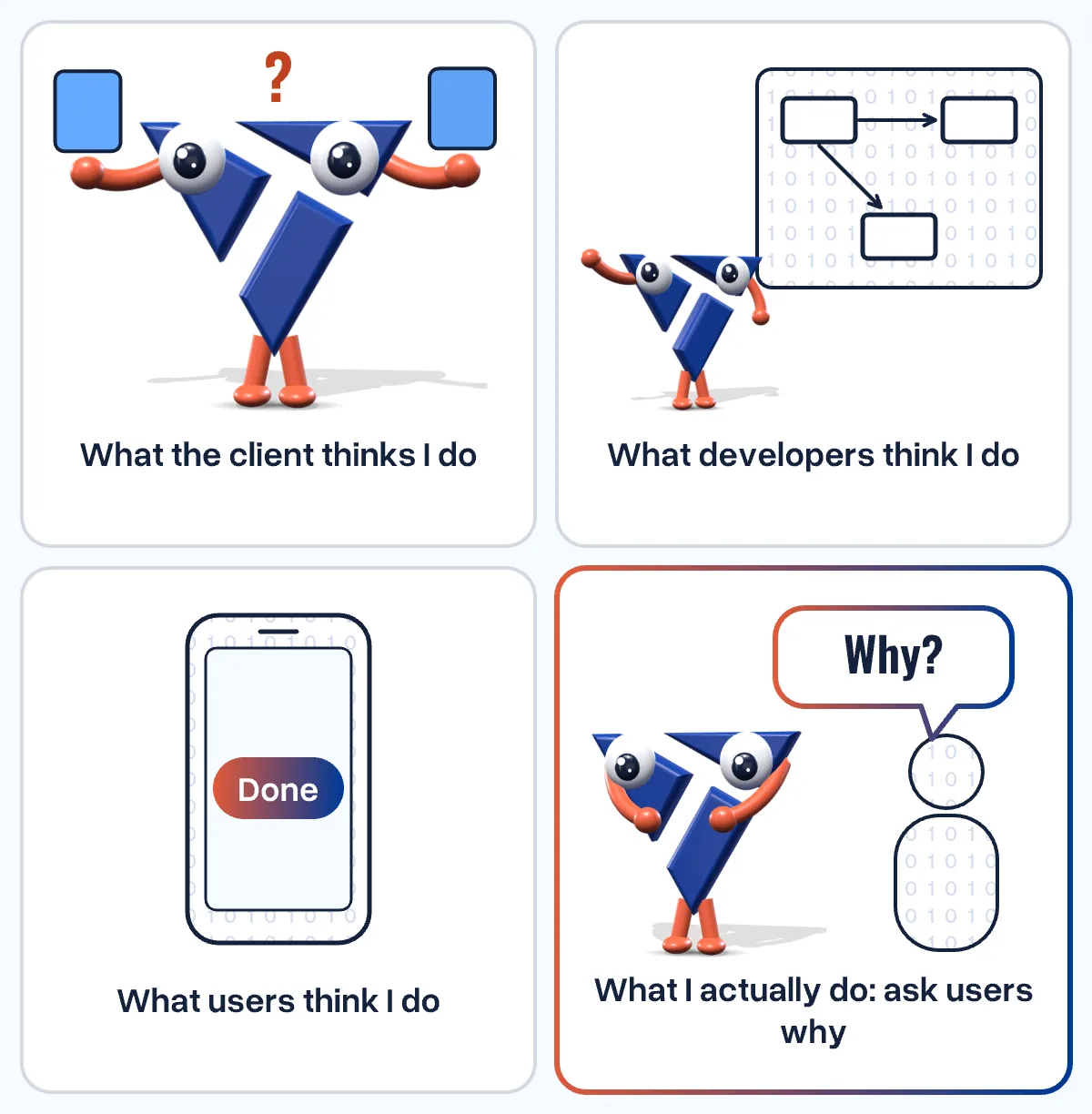
UX answers the question: what do users need from the app, and how do we make it happen? Its goal is an experience that is useful, easy and enjoyable, with functions that are simple and frictionless. UX is not only about functionality, but about seamless interaction while using it.
What is UI?
The user interface (UI) is the point of interaction between the user and a digital product.
UI answers the question: how do we attract, captivate and engage users? It focuses on the look and feel of the app: an aesthetically pleasing interface that is intuitive to use.
UX vs. UI: what is the difference?
UI and UX are distinct disciplines, even though the industry often uses the terms interchangeably - sometimes even in job descriptions.
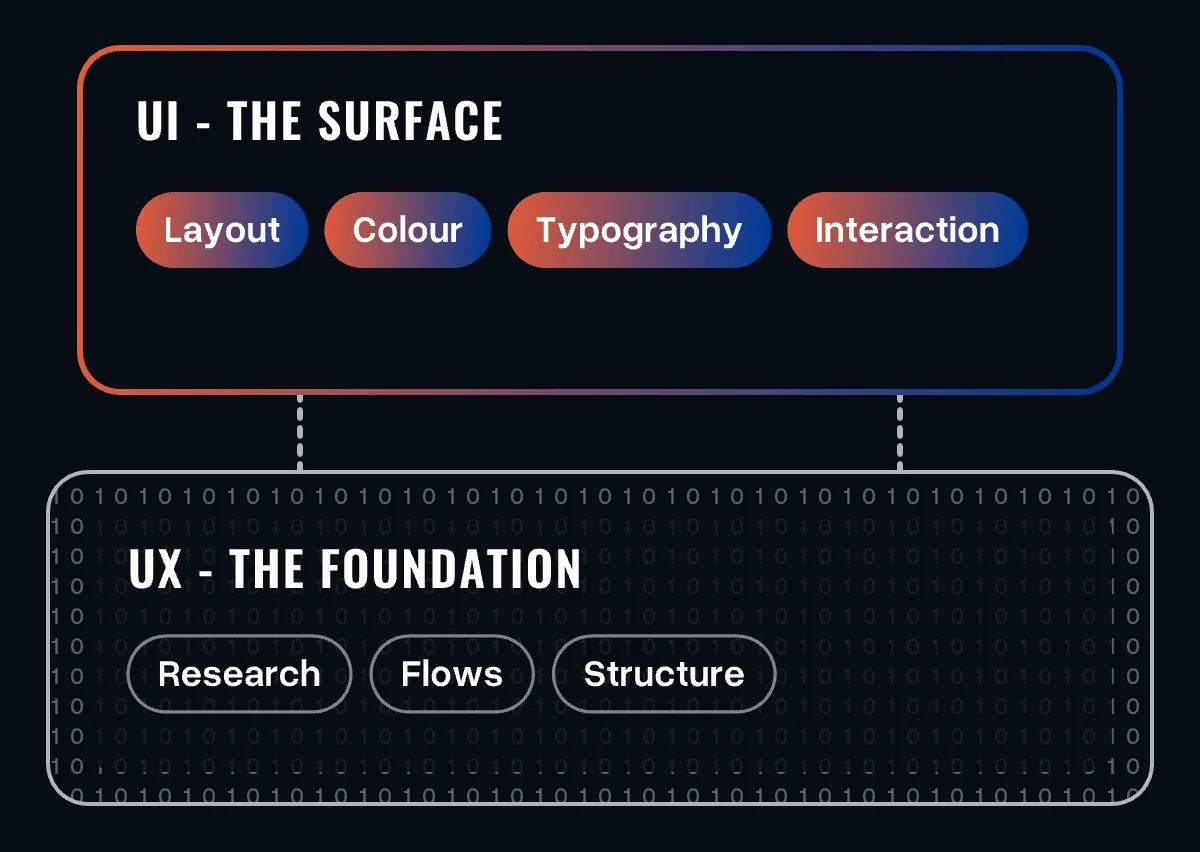
Think of the human body: UX is the skeleton, muscles and organs that let us function. UI is the skin and hair that determine how we look. UX is about usability and usefulness; UI is about how the interface is presented.
How UX and UI work together
The debate never ends, but in practice the two go hand in hand. A UX designer identifies the problem - the user's need - and designs an intuitive set of features to solve it. They define user flows and create wireframes that describe the user's journey. These flows must feel natural.
Then the UI designer takes the wireframes and adds carefully chosen fonts, colours, images, shadows, logos and animations. This raises the appeal, improves usability and optimises the screens for different sizes.
Together, all these interfaces create the end-user experience. UX is made up of many UIs, so design plays a vital role in the user experience too.
Functionality or design: where to focus first
Ideally, form and function get equal attention. When the budget forces a choice, there is a proven way to decide.
Start from user needs
Almost every development process starts with functionality and moves on to design. You can improve the look of a feature at any stage. But if you pick a design first, force-fitting a feature into it later rarely feels natural to users.
Good design is also not the core purpose of an app - its function is. Users will keep using a plain app as long as it does its job reliably. If they find an alternative that is both functional and appealing, they are likely to switch.
Case 1: you are a pioneer
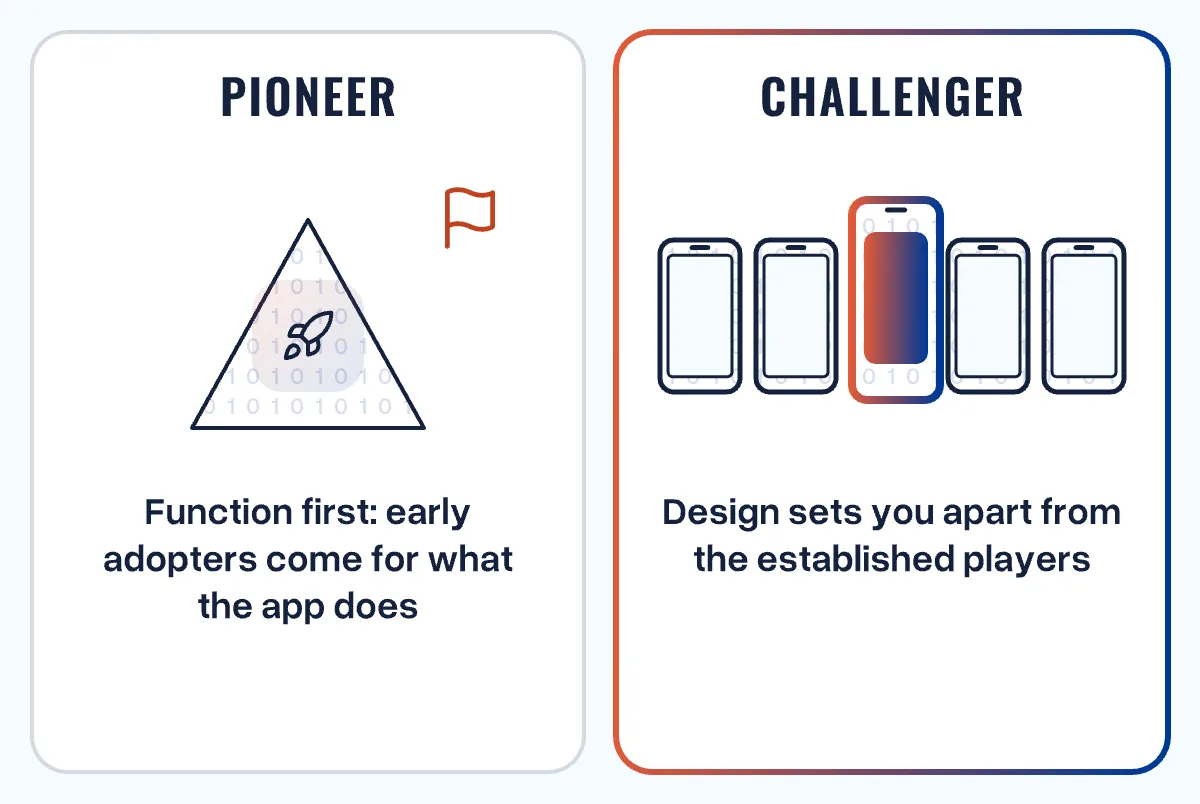
If you are first in your market and have no direct competitors, you can focus on functionality, even at the expense of design. Early adopters come for what the app does and stay for it. Once your business gains momentum, invest in the design.
Case 2: you are a challenger
If you enter a market with plenty of competition, you have to stand clearly apart. Design, interfaces, animations and the entire UX play a vital role in establishing your brand with your target group.
Without a distinctive design, your app - and your brand - may struggle to stand out from established players. It does not have to be fancy. It has to be unique, reflect your brand and give users an enjoyable experience.
Getting the balance right
Want to find the right balance between functionality and design for your app within your budget? Get in touch.